

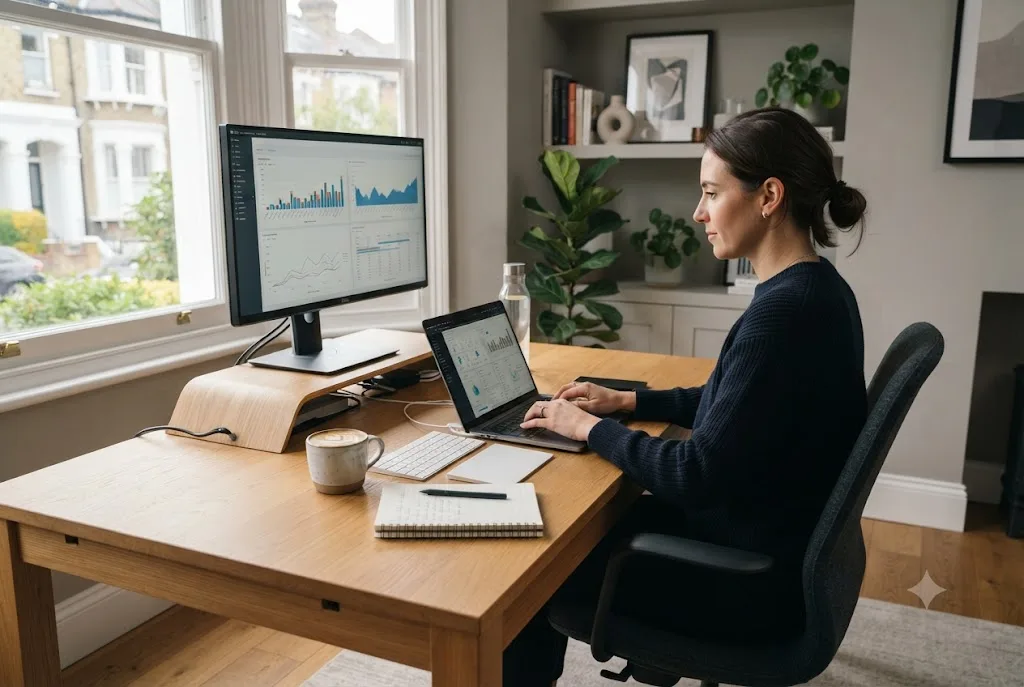
Choosing the best laptops for remote work can significantly improve productivity, communication, and comfort. Whether you’re a freelancer, entrepreneur, hybrid employee, or business owner in the UK, having the right laptop is essential for managing meetings, collaborating online, and completing daily tasks efficiently. Today’s business laptops offer excellent performance, long battery life, improved security, and lightweight designs that support flexible working from almost anywhere.
This guide explains what features matter most, which laptop categories are worth considering, and how to choose a device that fits your work from home setup.
Why Choosing the Best Laptops for Remote Work Matters
Remote work relies heavily on technology. A slow or unreliable laptop can reduce productivity, interrupt video meetings, and create unnecessary frustration.
A quality laptop should provide:
- Reliable everyday performance
- Long battery life
- High-quality webcam and microphone
- Comfortable keyboard
- Strong wireless connectivity
- Security features for business use
Investing in the right device often saves time and improves the overall remote working experience.
Key Features to Look for in the Best Laptops for Remote Work
Fast Processor
Modern processors allow users to multitask efficiently between web browsers, spreadsheets, video conferencing software, cloud applications, and productivity tools.
For most professionals, current-generation Intel Core Ultra, AMD Ryzen, or Apple Silicon processors provide excellent performance.
Enough RAM
Memory plays a major role in multitasking.
- 8GB RAM is suitable for basic office work.
- 16GB RAM is recommended for most professionals.
- 32GB or more benefits creative professionals and developers.
Solid State Drive (SSD)
An SSD provides faster startup times, quicker file access, and better reliability than traditional hard drives.
Most professionals should choose at least:
- 512GB SSD
- 1TB SSD for larger workloads
Display Quality Makes a Difference
If you spend several hours each day working, display quality becomes increasingly important.
Look for:
- Full HD (1920×1080) minimum resolution
- 13 to 15-inch display
- Anti-glare screen
- High brightness for flexible working environments
- Comfortable colour accuracy
A larger external monitor can also improve productivity as part of a complete work from home setup.
Battery Life for Flexible Working
Remote workers frequently move between home, coworking spaces, client offices, and cafés.
Choose laptops offering:
- 10–15 hours of real-world battery life
- USB-C charging
- Fast charging support
Long battery life reduces dependence on power outlets throughout the working day.
Security Features Every Business Laptop Should Include
Security should never be overlooked, particularly when handling customer information or confidential business documents.
Useful security features include:
- Fingerprint readers
- Facial recognition
- TPM security chips
- Encrypted storage
- Privacy webcam shutters
Even the best hardware should be supported by good digital habits. Our guide on cybersecurity tips for small businesses explains how to protect business data and online accounts.
Best Laptop Categories for Different Professionals
Business Professionals
Professionals working with documents, spreadsheets, presentations, and meetings should prioritise:
- Lightweight design
- Excellent keyboard
- Long battery life
- Strong security features
Creative Professionals
Designers, video editors, photographers, and marketers benefit from:
- Powerful processors
- Dedicated graphics where required
- High-resolution displays
- Larger SSD storage
Developers and Technical Users
Software developers often require:
- 16–32GB RAM
- Fast multicore processors
- High-speed SSD storage
- Multiple external display support
Cloud-Based Working Requires Reliable Hardware
Many businesses now rely on cloud platforms rather than storing files locally. A reliable laptop with fast internet connectivity ensures smooth access to cloud services, shared documents, and collaborative software.
If you’re new to this technology, our guide on cloud computing explained covers how cloud services, online collaboration, and secure data storage work.
AI Is Changing Remote Productivity
Artificial intelligence is becoming a standard feature in modern laptops and productivity software. Many devices now include dedicated AI processing capabilities that improve video conferencing, reduce background noise, optimise battery usage, and enhance workflow automation.
Businesses looking to increase productivity should also explore our guide to AI tools for content creation, which highlights practical solutions for marketing teams, freelancers, and business owners.
Accessories That Complete a Work From Home Setup
A laptop performs even better when paired with the right accessories.
Consider adding:
- External monitor
- Ergonomic keyboard
- Wireless mouse
- Noise-cancelling headset
- Laptop stand
- USB-C docking station
- External webcam
These additions improve comfort and productivity during long working hours.
Maintenance Tips for Long-Term Performance
To keep your laptop performing well:
- Install operating system updates regularly.
- Remove unused software.
- Back up important files.
- Use antivirus software.
- Keep storage organised.
- Clean air vents to prevent overheating.
Regular maintenance extends the lifespan of your device while improving reliability.
Final Thoughts
The best laptops for remote work combine performance, portability, security, and excellent battery life. Rather than focusing solely on specifications, consider how your daily workflow, software requirements, and working environment influence your decision.
Whether you’re building your first home office or upgrading an ageing device, choosing the right business laptop can improve productivity and provide a better long-term return on investment.
For independent buying advice and product testing, visit Which?, one of the UK’s most trusted consumer organisations.
